
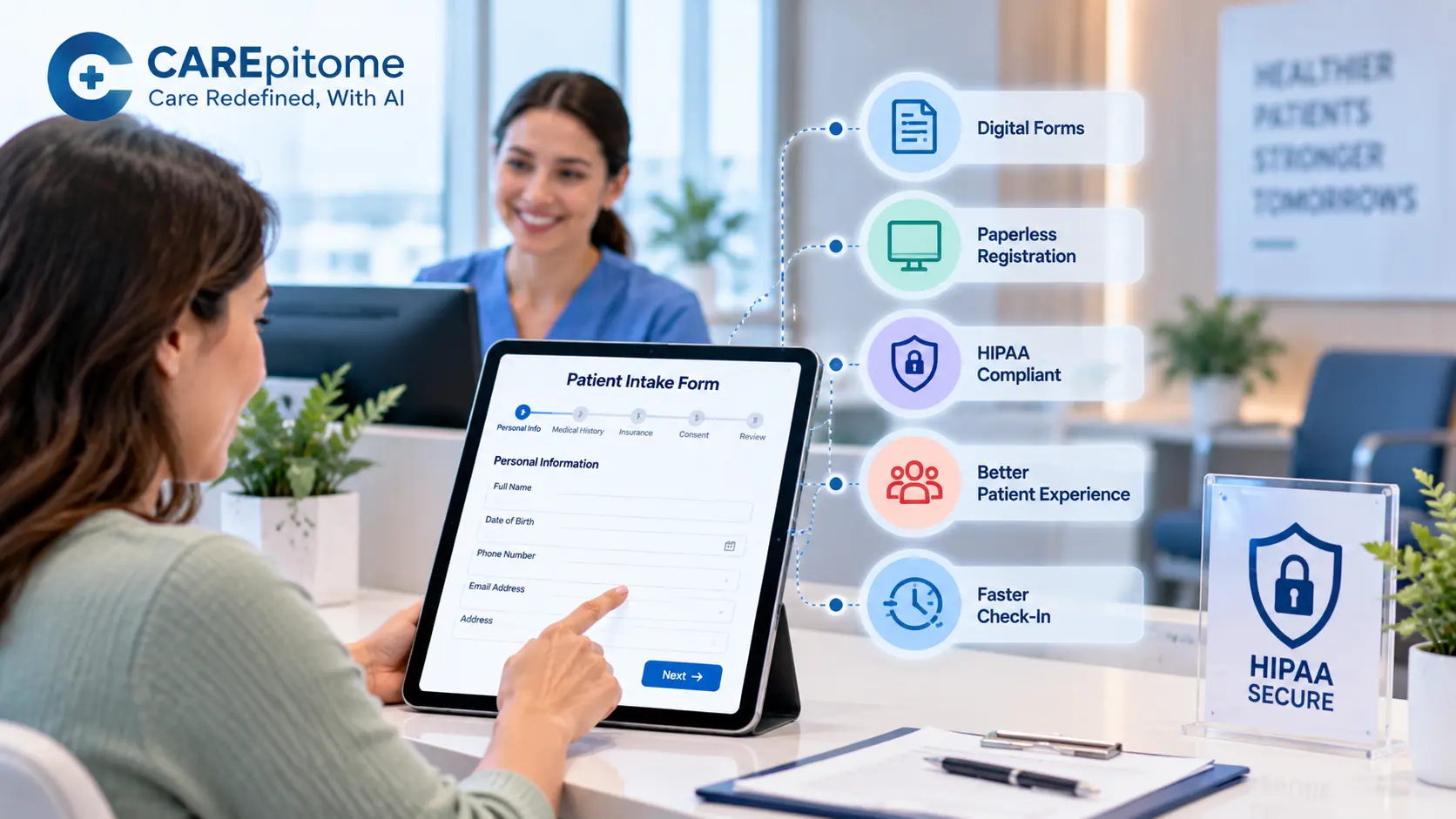
Patient check-in is one of the first interactions people have with a healthcare practice. When that process relies on printed paperwork, patients may spend valuable time filling out forms
in the waiting room while staff manually enter information into other systems.
Digital patient intake forms provide a more efficient alternative. Patients can complete registration information electronically before or during their visit, allowing practices to collect
information in a structured format and reduce unnecessary paperwork.
For practices looking to modernize front-office workflows, digital intake is more than replacing paper with a screen. It can help create a connected registration process, reduce repetitive administrative work, and give patients a more convenient way to provide information.
Solutions such as CarePITome are designed to support modern healthcare workflows and help practices move toward more connected digital operations.
What Are Digital Patient Intake Forms?
Digital patient intake forms are electronic versions of the forms patients traditionally complete on paper before receiving care. Depending on the practice and software, they may collect demographic information, contact details, insurance information, medical history, symptoms, medications, consent information, and other registration data.
Patients can typically complete these forms using a computer, tablet, or smartphone.
Instead of printing, distributing, collecting, and manually organizing paperwork, staff can manage intake information digitally. When the intake system is connected with other healthcare software, information may also flow into the appropriate practice workflow.
This makes digital intake an important component of a broader paperless healthcare strategy.
Why Move to a Paperless Patient Intake Process?
A paperless patient intake process can make registration more convenient for both patients and staff.
Traditional paper intake often creates several manual steps. Forms must be printed, handed to patients, completed, collected, reviewed, stored, and potentially re-entered into another system.
Digital workflows can eliminate or reduce many of these steps.
Patients may be able to complete forms before arriving, which can reduce the amount of time they need to spend at the front desk. Staff can also spend less time handling physical documents and more time supporting patients.
For practices dealing with high patient volume, even small reductions in administrative steps can make the check-in process more manageable.
Benefits of Online Patient Registration Forms
Online patient registration forms give patients an opportunity to complete required information outside the traditional waiting-room workflow.
One major advantage is convenience. Patients can receive a registration request before their appointment and complete the required information when it is convenient for them.
Digital forms can also make information easier to standardize. Required fields, dropdown menus, checkboxes, and validation rules can help ensure that important information is captured in a consistent format.
Other potential benefits include:
- Less paper handling
- Reduced manual data entry
- Faster check-in
- Easier access to completed forms
- More consistent information collection
- Better organization of patient records
- Improved front-desk workflow
The exact benefits depend on how the technology is configured and integrated with the practice's existing systems.
Step 1: Identify Everything Patients Need to Complete
The first step toward digital intake is determining which forms patients actually need.
Instead of simply converting every paper form into a digital version, practices should review their existing registration process and identify essential information.
This may include:
- Basic demographic information
- Contact information
- Insurance details
- Emergency contact information
- Medical history
- Current medications
- Allergies
- Reason for the visit
- Consent forms
- Privacy acknowledgments
- Practice-specific questionnaires
Creating a clear inventory prevents the digital process from becoming unnecessarily long or complicated.
Step 2: Build a New Patient Intake Form Checklist
A new patient intake form checklist can help practices make sure that required information is included before replacing paper workflows.
The checklist should reflect the needs of the specific practice rather than using a generic set of questions.
It is also worth reviewing the order of questions. Patients should encounter the simplest and most relevant questions first, while sensitive or more detailed information can be collected later in the process when appropriate.
Well-designed digital forms should be easy to understand and complete on both desktop and mobile devices.
Step 3: Make Forms Easy to Complete
Digital does not automatically mean user-friendly.
Long forms with confusing instructions or unnecessary questions can still frustrate patients. Practices should keep forms as simple as possible while collecting the information required for registration and care.
Features such as conditional questions can help. For example, a patient who indicates that they do not have a particular condition does not necessarily need to answer several follow-up questions about it.
Mobile responsiveness is also important because many patients may complete forms using their phones.
The objective is to make registration feel like a straightforward digital process rather than a paper form displayed on a screen.
Step 4: Use HIPAA-Compliant Intake Forms
Healthcare organizations need to take privacy and security seriously when collecting patient information electronically.
HIPAA compliant intake forms should be part of a technology environment designed to protect electronic protected health information.
The HIPAA Security Rule requires covered entities and business associates to implement appropriate administrative, physical, and technical safeguards for electronic protected health information. These include controls related to access, authentication, audit controls, integrity, and transmission security.
A practice should therefore evaluate how an intake platform handles patient information rather than assuming that any online form tool is appropriate for healthcare use.
Practices should consider factors such as access controls, authentication, data transmission, storage, audit capabilities, vendor security practices, and applicable business associate arrangements.
HHS also emphasizes that risk analysis is a foundational part of implementing appropriate safeguards and that organizations should consider the characteristics of their own environment rather than relying on a one-size-fits-all solution.
Step 5: Connect Intake With Your Healthcare Systems
A digital intake process becomes more valuable when it connects with other systems used by the practice.
If staff must manually copy information from a digital form into an EHR or practice management system, some of the benefits of automation are lost.
Integrated workflows can allow relevant information to move into the appropriate system according to the capabilities of the software.
For practices evaluating these capabilities, CarePITome's digital patient intake forms solution provides a starting point for exploring how digital intake can fit into a modern healthcare workflow.
Step 6: Give Patients Multiple Ways to Complete Intake
Patients have different levels of technological comfort and different schedules. A flexible intake process can therefore improve accessibility.
Practices can allow patients to complete their information before the appointment through a secure link or portal, while also providing an option to complete outstanding information at the office when needed.
Automated reminders can also help reduce incomplete forms.
The objective is not simply to remove the clipboard. It is to make the registration process easier while ensuring that staff have the information needed before the patient moves into the clinical workflow.
Step 7: Train Staff and Monitor the Workflow
Even well-designed technology requires implementation.
Staff should know how to send forms, identify incomplete submissions, help patients who have difficulty using the system, review submitted information, and handle exceptions.
Practices should also monitor the process after launch.
Useful measures can include completion rates, average check-in time, incomplete-form frequency, staff workload, and patient feedback.
Reviewing these metrics can reveal where patients are experiencing difficulty and where forms can be simplified.
Digital Patient Intake Software for Small Practices
Smaller healthcare organizations may assume that digital intake is designed primarily for large health systems. In practice, patient intake software for small practices can be especially useful because smaller teams often have fewer administrative resources.
Reducing repetitive paperwork can help front-office staff manage patient registration more efficiently.
However, small practices should avoid choosing software based solely on the number of features. Ease of implementation, usability, compatibility, security, support, and overall workflow fit are often more important.
A practical solution should solve the practice's actual registration problems without introducing unnecessary complexity.
You can learn more about CarePITome's approach to healthcare technology through the About page.
How Digital Intake Improves the Patient Experience
The patient experience begins before the clinical consultation.
A patient who receives an intake form in advance can complete information from home instead of arriving early to fill out several pages of paperwork.
Once the information is submitted, staff can have more time to focus on questions that genuinely require human assistance.
Digital intake can also make the experience more consistent. Patients do not have to worry about whether a paper form is missing a page or whether handwriting can be read correctly.
For healthcare organizations focused on improving their digital patient journey, patient intake is an important place to begin.
Going Paperless Without Losing the Human Touch
Going paperless should not mean making healthcare feel less personal.
The purpose of digital intake is to remove unnecessary administrative friction while allowing staff to focus on patients.
A well-designed system can give patients more control over when and where they complete forms, while helping staff receive information in a more organized manner.
The result is a registration process that is faster, easier to manage, and better aligned with modern healthcare expectations.
For additional healthcare technology insights, visit the CarePITome blog. Practices interested in exploring their digital intake options can also schedule a demo.